
Top 7 Must-Have Apps for Web Design in 2026
In 2026, the world of apps for web design is evolving at breakneck speed, with fresh innovations reshaping how creative professionals work every day.
This article uncovers the top 7 must-have apps for web design that are setting new standards for creativity, efficiency, and collaboration across digital projects.
What makes an app essential for modern designers? It comes down to powerful innovation, intuitive usability, and the ability to bridge cross-functional needs in any workflow.
Here, you will explore each app’s standout features, straightforward pricing, and the unique benefits they offer to help you stay ahead.
Ready to transform your design process? Discover the solutions that can elevate your results and redefine your approach in this dynamic field.
Why the Right Apps Matter for Web Designers in 2026
Web design is evolving at lightning speed, and the tools used by professionals must keep pace. Choosing the right apps for web design is now essential to staying ahead in a competitive market. Whether you are a freelancer, agency, or enterprise, your toolkit can make or break your workflow, creativity, and results.
The Changing Landscape of Web Design
The web design world is undergoing rapid transformation, driven by advances in AI, cloud technology, and automation. Designers now face increasing demands for responsive, accessible, and visually engaging sites. The shift to remote and cross-functional teams means collaboration is more important than ever.
Speed and scalability are critical. Many professionals rely on cloud-based apps for web design to streamline processes and manage complex projects. For example, the rise of no-code platforms has made it possible to launch impressive digital products faster than ever before.
Staying current with these changes ensures designers can deliver cutting-edge experiences and remain competitive.
Essential Criteria for Must-Have Web Design Apps
With so many choices, selecting must-have apps for web design requires a careful evaluation of features and performance. The best tools offer user-friendly interfaces and intuitive workflows, making them accessible to both beginners and experts.
Collaboration capabilities, real-time feedback, and seamless integration with other platforms are now non-negotiable. Scalability is key, whether you are a solo freelancer or part of a large agency. Security, speed, and consistent updates round out the essential criteria.
A quick comparison table for evaluating new apps:
| Criteria | Why It Matters |
|---|---|
| Usability | Boosts productivity |
| Collaboration | Supports remote teamwork |
| Integration | Connects with daily tools |
| Scalability | Grows with your business |
| Security | Protects client data |
Choosing wisely ensures your apps for web design meet every project challenge.
Data & Trends Shaping the 2026 App Market
Market trends show a clear move towards cloud-based and AI-powered apps for web design. Recent statistics reveal that over 70% of designers now use cloud platforms, with AI-assisted design adoption climbing 40% since 2024. The demand for tools that combine design, code, and content management is surging.
Notably, nearly 93% of designers report using AI tools in web workflows, especially for imagery and asset generation, accelerating project cycles (AI in web design workflows). Integrated ecosystems are becoming the norm, offering branding, prototyping, and development in one place.
Understanding these trends helps designers future-proof their toolkit and maximise the potential of apps for web design.
Common Challenges Solved by Modern Apps
Modern apps for web design address many of the industry’s biggest pain points. They help reduce project turnaround times and revision cycles, allowing teams to deliver faster. By bridging gaps between designers, developers, and clients, these tools promote better communication and fewer errors.
Features like streamlined asset management, export options, and brand consistency tools are now standard. Agencies using all-in-one platforms report up to 30% faster project delivery, highlighting the real-world impact of the right apps for web design.
Selecting the right tools ensures your workflow is efficient, collaborative, and ready for the demands of 2026.
Top 7 Must-Have Apps for Web Design in 2026
Staying ahead in web design means choosing the right tools for every project. In 2026, the market is packed with innovative apps for web design, each promising to boost creativity, speed, and collaboration. Below, we explore the seven apps for web design every professional should know, highlighting their features, pricing, and unique benefits.
Figma
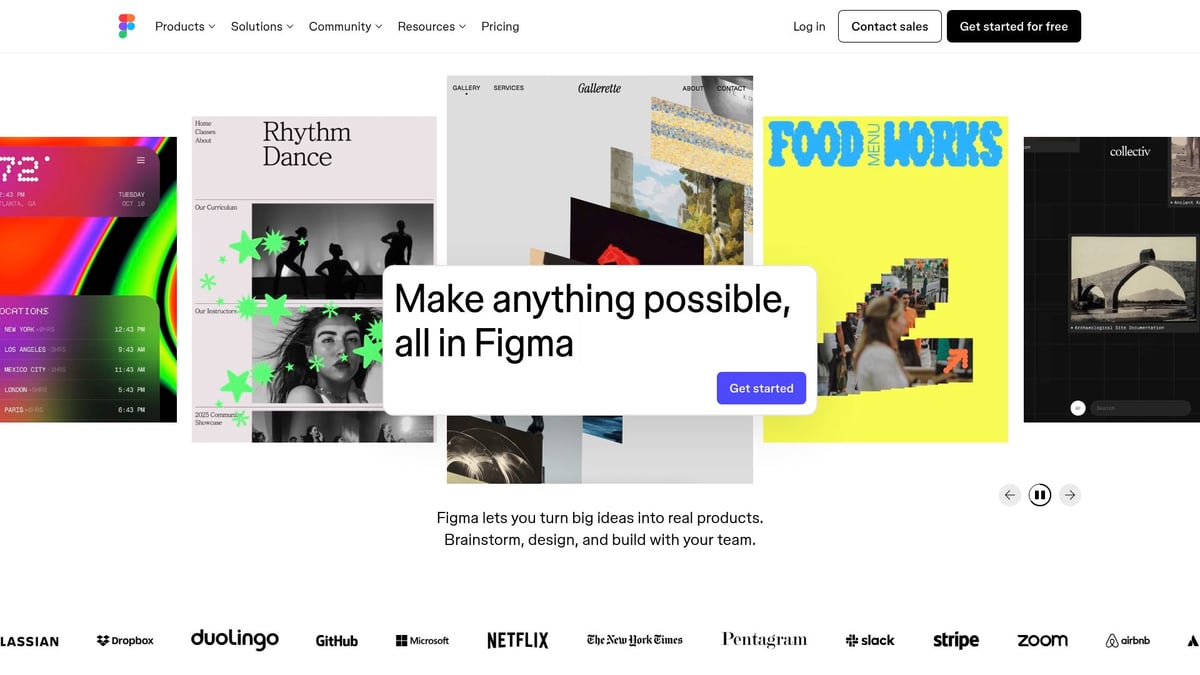
Figma continues to lead the way in 2026, setting the gold standard for collaborative apps for web design. Its real-time cloud platform lets distributed teams co-create, prototype, and iterate without friction.
Pricing:
- Free Starter
- Professional from $5/month
- Organisation from $5/month
Core Features:
- Real-time cloud collaboration
- Advanced UI/UX design tools
- Extensive plugin ecosystem
- Robust version control
Key Benefits:
Figma’s intuitive interface enables seamless teamwork, even across continents. The app’s prototyping features allow instant feedback and rapid iteration, making it a favourite for agencies and in-house teams alike. Its cross-platform nature ensures that anyone can join the design process, regardless of device.
Ideal For:
- Agencies and design teams
- Freelancers working on interactive interfaces
- Businesses needing scalable, collaborative workflows
Pros:
- Intuitive and easy to learn
- Accessible from any device
- Massive community support
Cons:
- Limited offline functionality
- Can be daunting for absolute beginners
Real-World Example:
Leading brands use Figma to streamline design sprints, reducing project timelines by up to 30%. For a deeper dive into complementary digital tools, see the Essential guide to digital creative services.
Figma stands out among apps for web design for its balance of power and simplicity, helping teams deliver outstanding results faster.
Webflow
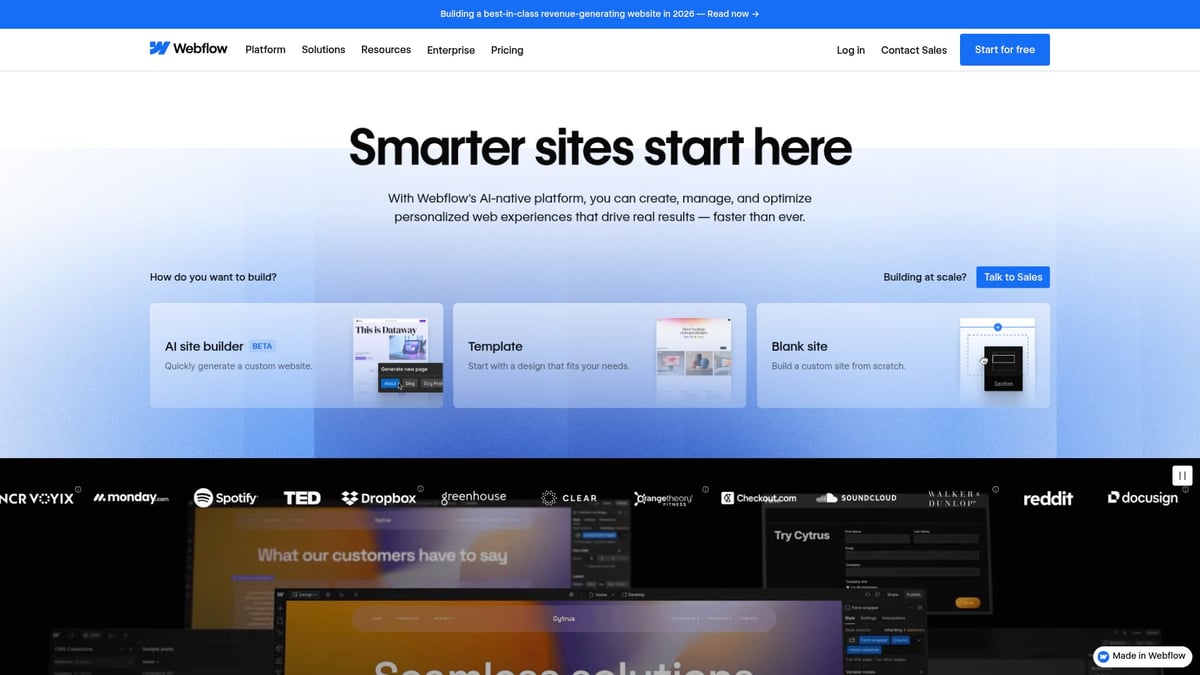
Webflow has redefined how designers approach site creation. This no-code platform lets users go from concept to launch without writing a single line of code, making it an outstanding choice among apps for web design.
Pricing:
- Starter Free
- Basic $14/month
- CMS $23/month
- Business $39/month
Core Features:
- No-code visual editor
- Built-in CMS
- Advanced animations
- Responsive controls
Key Benefits:
Webflow empowers designers to build, prototype, and deploy production-ready sites, all from a single dashboard. The app’s visual interface bridges the gap between design and development, helping teams cut down on handoff delays.
Ideal For:
- Designers wanting full control over deployment
- Agencies delivering client sites at speed
- Entrepreneurs seeking professional web presence
Pros:
- Powerful, intuitive interface
- Clean code export
- Scalable hosting options
Cons:
- Learning curve for advanced features
- Higher pricing for large projects
Real-World Example:
Agencies report a 40% reduction in development bottlenecks using Webflow’s workflow. Its position as one of the top apps for web design is solidified by its ability to bring creative visions to life without compromise.
Canva
Canva’s reputation for simplicity and speed makes it a favourite among apps for web design, especially for teams needing rapid visual content or mockups.
Pricing:
- Free
- Pro $7.50/month/person
- Business $10/month/person
- Enterprise custom
Core Features:
- Vast template library
- Drag-and-drop editor
- Live publishing
- Brand kit tools
Key Benefits:
Even users without design backgrounds can create professional-looking web graphics, mockups, and single-page sites in minutes. Canva’s accessibility, both on web and mobile, makes it a go-to option for marketers and small businesses.
Ideal For:
- Freelancers
- Marketers
- Small businesses
- Teams needing quick visual content
Pros:
- User-friendly interface
- Huge asset library
- Accessible from anywhere
Cons:
- Limited for complex web design tasks
- Fewer advanced UI features
Real-World Example:
Startups often use Canva to launch branded landing pages quickly. Among apps for web design, Canva excels at enabling non-designers to produce polished assets with ease.
Adobe XD
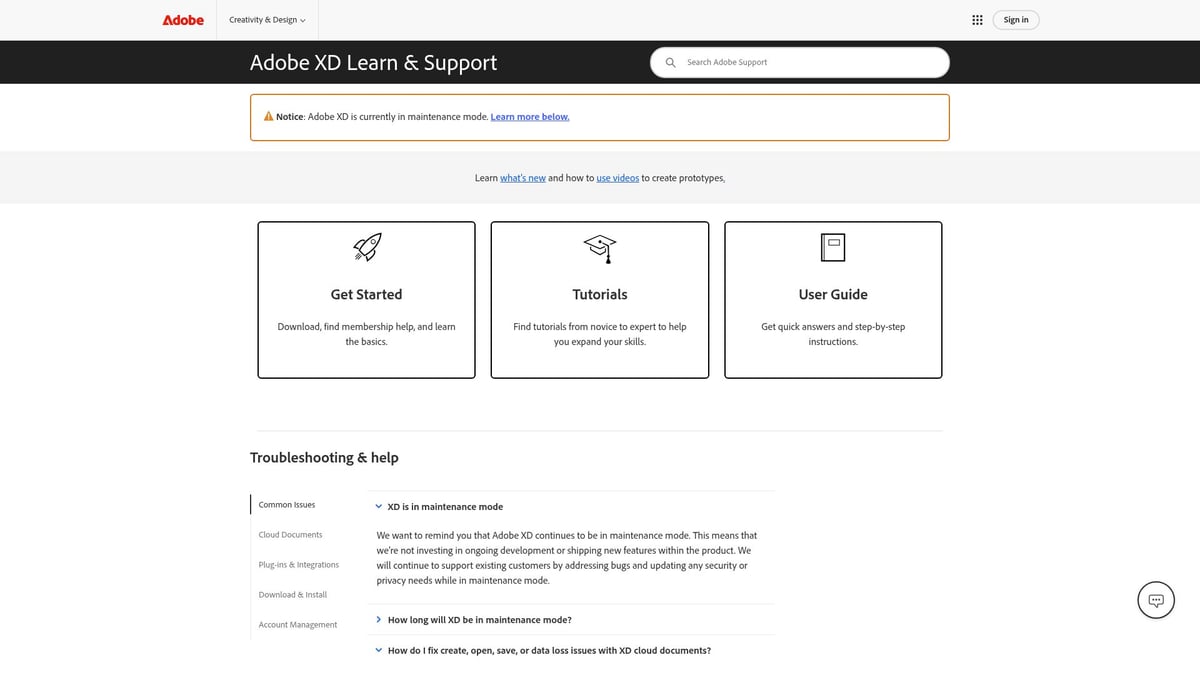
Adobe XD remains a staple in the toolkit of UX/UI professionals seeking robust apps for web design. Its deep integration with Adobe Creative Cloud makes it ideal for teams already invested in Adobe products.
Pricing:
- Free starter plan
- Paid plans from £9.98/month (part of Adobe Creative Cloud)
Core Features:
- Vector-based design tools
- Interactive prototyping
- Voice triggers
- Integration with Adobe ecosystem
Key Benefits:
XD streamlines the design process, from wireframing to interactive prototypes, within a single platform. Real-time preview and collaboration features accelerate feedback cycles, making it one of the most efficient apps for web design.
Ideal For:
- UX/UI designers
- Agencies using Adobe workflows
- Teams needing rapid prototyping
Pros:
- Seamless Adobe integration
- Robust prototyping tools
- Responsive resize features
Cons:
- Mac/PC only
- Fewer plugins than Figma
- Limited cloud features compared to competitors
Real-World Example:
Design teams have reported 25% faster feedback cycles using XD’s live preview. Its role among apps for web design is cemented by its reliability and integration capabilities.
Wix
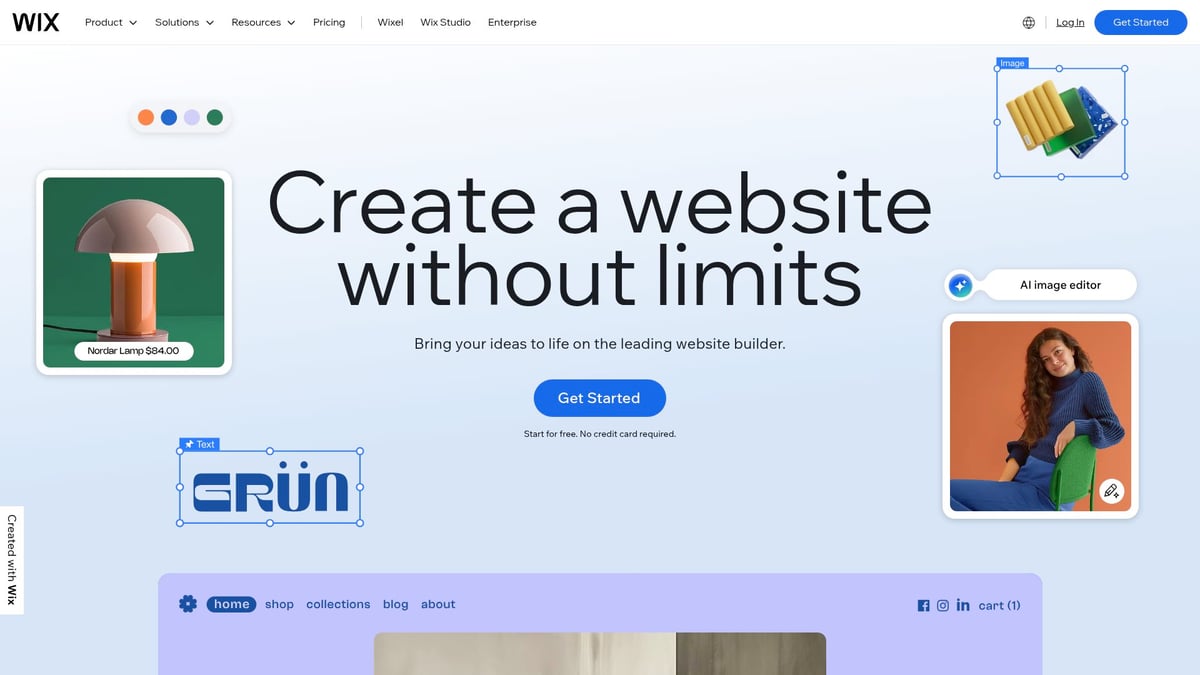
Wix continues to be a powerhouse among apps for web design, especially for beginners and small businesses seeking a code-free experience.
Pricing:
- Free trial
- Light £13/month
- Core £22/month
- Business £29/month
- Business Elite £119/month
Core Features:
- Drag-and-drop editor
- 500+ templates
- Built-in analytics
- Marketing tools
Key Benefits:
Wix’s intuitive design environment lets anyone build a professional website without technical skills. The platform’s wide template selection and integrated marketing make it ideal for launching new brands.
Ideal For:
- Small businesses
- Entrepreneurs
- Creatives
- Portfolio or business sites
Pros:
- Extremely beginner-friendly
- Quick setup
- Integrated marketing features
Cons:
- Limited customisation for advanced users
- Template lock-in
Real-World Example:
Entrepreneurs frequently launch new brands in just hours using Wix. Among apps for web design, Wix stands out for its ease of use and rapid deployment capabilities.
WordPress
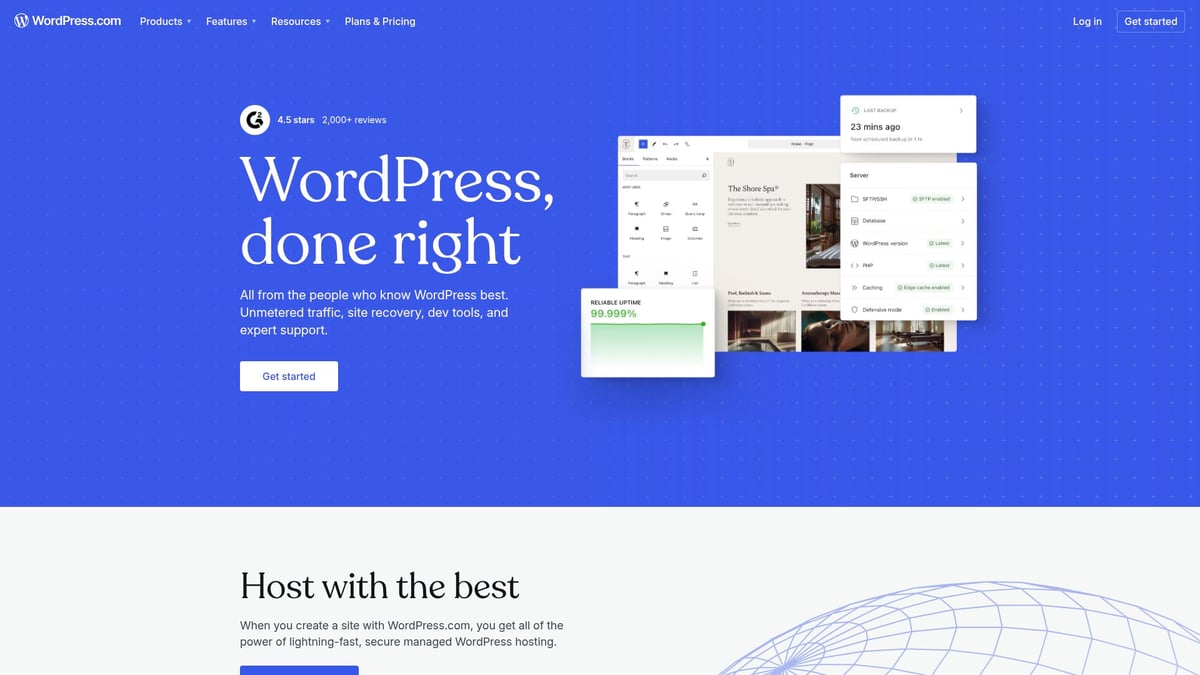
WordPress remains the backbone of the internet, and its versatility makes it a top contender among apps for web design in 2026.
Pricing:
- Personal £7/month
- Premium £14/month
- Business £25/month
- Commerce £45/month
- Enterprise custom
Core Features:
- Massive theme and plugin ecosystem
- Self-hosted or managed options
- Unlimited content capabilities
Key Benefits:
WordPress offers unmatched flexibility for blogs, e-commerce, and complex sites. Its open-source nature and vast support community make it adaptable to virtually any web project.
Ideal For:
- Content-heavy sites
- E-commerce
- Agencies
- Bloggers and publishers
Pros:
- Highly customisable
- Open-source
- Extensive support and resources
Cons:
- Maintenance required
- Plugin compatibility issues
- Steep learning curve for beginners
Real-World Example:
Over 40% of all websites run on WordPress, powering everything from personal blogs to Fortune 500 sites. Its dominance among apps for web design comes from its flexibility and scalability.
Squarespace
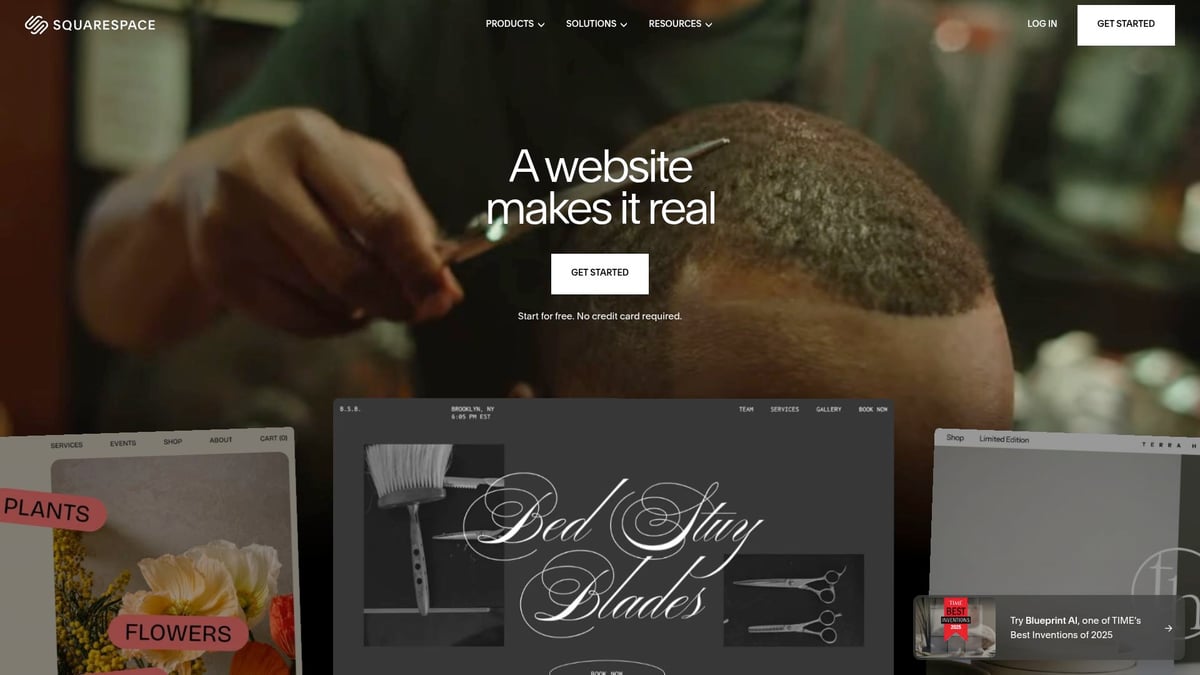
Squarespace has carved out a niche among apps for web design for creatives and small businesses who prioritise aesthetics and simplicity.
Pricing:
- Personal £16/month
- Business £23/month
- Commerce £27–£37/month
Core Features:
- 100+ design-forward templates
- E-commerce capabilities
- SEO tools
- Guided setup
Key Benefits:
Squarespace delivers all-in-one solutions for elegant, mobile-ready websites and online stores. Its focus on design quality and guided workflows makes it a top choice for artists and small brands.
Ideal For:
- Creatives
- Small businesses
- Online shops
- Personal brands
Pros:
- Beautiful templates
- Built-in e-commerce
- Easy to set up and manage
Cons:
- Less flexible for custom coding
- Higher cost for advanced features
Real-World Example:
Artists and photographers use Squarespace to showcase visually stunning portfolios and run online shops. Its appeal among apps for web design is its blend of style and simplicity, making professional web presence accessible to all.
How to Choose the Best Web Design App for Your Workflow
Selecting the right apps for web design in 2026 can dramatically influence your productivity, creativity, and project outcomes. With a crowded marketplace of powerful tools, making a smart choice requires a clear understanding of your unique needs and the options available.
Assessing Your Project’s Needs and Scale
Start by analysing your project’s primary goals and the scope involved. Are you building a personal portfolio, an e-commerce platform, a blog, or a large-scale enterprise site? Your project type will guide which apps for web design best fit your workflow.
Consider your team size and the level of collaboration required. Solo freelancers may prefer straightforward solutions with minimal setup, while agencies benefit from advanced collaboration and feedback features. Evaluate the technical expertise of your team and the preferred way you want to work.
For example, a freelance designer creating landing pages might value simplicity and speed, while a creative agency handling multiple clients will need robust collaboration tools. Mapping your needs ensures you choose apps for web design that genuinely support your objectives.
Comparing Features and Integrations
Once you've clarified your needs, compare the features and integrations offered by leading apps for web design. Must-have capabilities often include prototyping, built-in content management, code export, and efficient asset management. Integration with popular platforms is equally important for a seamless workflow.
Below is a quick comparison of essential features:
| App | Prototyping | CMS | Code Export | Integrations |
|---|---|---|---|---|
| Figma | Yes | No | Limited | Slack, GitHub |
| Webflow | Yes | Yes | Yes | Zapier, Google |
| Canva | No | No | No | Dropbox, Drive |
| Adobe XD | Yes | No | Limited | Adobe Suite |
Check for compatibility with tools your team already uses, such as Slack, Trello, or marketing platforms. Teams using Adobe Creative Cloud often select Adobe XD for its seamless integration. For more on aligning your choices with effective design methods, see expert design strategies for success.
Pricing, Support, and Scalability
Budget is another key consideration when choosing apps for web design. Look beyond initial costs and factor in upgrades, add-ons, and any charges for extra storage or advanced features. Consider the availability and quality of customer support, as well as the presence of active community forums.
Scalability matters as your projects and team grow. Some tools offer flexible pricing tiers and enterprise solutions, while others are best suited for small teams or solo professionals. Startups might begin with free plans and transition to premium options as their needs expand.
Always review the terms of service and data security policies before committing to a platform. Reliable support and the ability to scale smoothly can make a significant difference as your workflow evolves.
Real-World Case Studies and User Experiences
Learning from real-world experiences helps you make informed decisions about apps for web design. Agencies and freelancers often share how certain platforms improved their workflows, reduced project delivery times, or enhanced brand consistency.
For instance, many agencies report delivering projects up to 30% faster by using collaborative, all-in-one design platforms. User feedback frequently highlights the value of intuitive interfaces, reliable performance, and strong integration capabilities.
Pay attention to both positive reviews and common pain points. This approach will help you select apps for web design that are proven to deliver results and fit smoothly into your chosen workflow.
The Future of Web Design Apps: Trends to Watch in 2026
The landscape of apps for web design is shifting rapidly in 2026, shaped by breakthrough technologies and user demands. Designers are witnessing a transformation in how digital experiences are created, shared, and managed. Understanding the trends shaping these tools is essential for staying ahead and choosing the right apps for web design. Let us explore the most influential developments set to redefine the industry.
AI-Driven Design and Automation
Artificial intelligence is now embedded in most leading apps for web design. AI-powered assistants can generate layouts, suggest colour schemes, and even automate accessibility checks. Designers benefit from real-time content generation, adaptive branding, and smart workflow automation.
Recent data shows that nearly 93% of designers have adopted AI tools, making them a core part of the modern toolkit. For those interested in the impact of AI, the AI adoption in web design article details just how integral these features have become. Expect further advances in automated testing, voice-driven interfaces, and seamless integration with creative assets.
Enhanced Collaboration and Remote Workflows
Remote work has become standard, making collaboration features a priority in apps for web design. Real-time editing, live feedback, and cloud-based asset libraries are no longer optional extras. Teams can co-create, review, and iterate on projects without barriers, ensuring faster decision-making and fewer miscommunications.
Leading platforms now offer robust permissions, version control, and cross-device syncing. These features help distributed teams maintain productivity, regardless of location. As collaboration tools mature, expect even more fluid workflows and integration with project management solutions, giving web design professionals a significant edge.
No-Code and Low-Code Revolution
The rise of no-code and low-code tools is democratising access to apps for web design. Visual editors, drag-and-drop components, and pre-built modules empower non-developers to create complex websites quickly. This shift reduces reliance on traditional coding, speeding up project launch times and expanding who can participate in digital creation.
Designers and entrepreneurs can now focus on creativity and content, rather than technical barriers. As more platforms embrace this revolution, expect a surge in innovative, user-driven websites. The result is faster prototyping, easier updates, and more flexibility for teams of all sizes.
Integrated Branding and Cross-Platform Ecosystems
Unified branding across all digital touchpoints is a top requirement for modern businesses. The best apps for web design now offer integrated brand kits, reusable templates, and synchronised assets for web, mobile, and marketing channels. This ensures consistency, saves time, and simplifies collaboration between design, marketing, and development teams.
Platforms like Canva and Adobe XD are leading the way by supporting asset sharing and template management across multiple channels. As ecosystems become more interconnected, expect tighter integration with analytics, e-commerce, and content management, making brand management more efficient and cohesive for everyone involved.
Expert Tips for Maximising Productivity with Web Design Apps
Unlocking peak efficiency with apps for web design requires more than just knowing the basics. By adopting proven strategies, you can streamline your workflow, enhance collaboration, and ensure every project meets the highest standards. Explore these expert tips to get the most out of your chosen platforms.
Streamline Collaboration and Feedback
Efficient collaboration is the backbone of successful digital projects. Choose apps for web design that offer built-in commenting, version control, and easy sharing.
- Enable real-time feedback to accelerate revisions.
- Assign roles and permissions for clarity.
- Use live preview features to gather client input instantly.
By fostering open communication within your design environment, you minimise misunderstandings and reduce costly revision cycles.
Leverage Templates and Design Systems
Starting from scratch can slow you down. Most top apps for web design include robust template libraries and design system tools.
- Browse pre-built layouts for quick launches.
- Customise design systems to reflect your brand.
- Standardise components for consistent results.
Templates not only speed up production but also help maintain visual harmony across multiple projects, especially for teams handling several brands.
Automate Repetitive Tasks
Repetition drains creativity and time. Modern apps for web design support automation through plugins and integrations.
- Use asset export tools to speed up handoff.
- Employ code generation features for faster development.
- Integrate with testing platforms for seamless QA.
For deeper insights on how automation and AI boost productivity, review this AI's impact on web design efficiency article. Embracing automation lets you focus on innovation rather than manual routines.
Stay Updated and Upskill Regularly
Digital tools evolve rapidly. To remain competitive, keep your skills and apps for web design up to date.
- Follow release notes and new feature announcements.
- Attend webinars or online courses tailored to your main platforms.
- Join user communities for peer support.
Continuous learning keeps you ahead of industry trends, ensuring you make the most of every update.
Test and Iterate Across Devices
Testing is crucial for polished results. Most apps for web design now offer responsive previews and device simulators.
- Preview layouts on various screen sizes.
- Share prototypes with stakeholders for feedback.
- Use accessibility checkers to reach a wider audience.
Regular iteration guarantees your designs work flawlessly for all users, regardless of device or ability.