
Make the Web Guide for Beginners: Your 2025 Roadmap
The internet landscape is changing fast, and there has never been a better time to make the web your own in 2025. Whether you dream of launching a blog, showcasing your portfolio, or building a business site, this guide is designed to help you confidently start from scratch.
We will break down each step, from planning and selecting the right tools to designing, launching, and growing your web presence. Our aim is to remove confusion and give you a clear path to success. By following this practical roadmap, you will gain the confidence and skills needed to make the web work for you.
Understanding the Web: Key Concepts for Beginners
The journey to make the web your own starts with understanding the fundamentals. For beginners, the digital world can seem complex, but breaking it down into clear concepts makes it accessible. Let us explore the building blocks that form the backbone of every website.

What is the Web and How Does it Work?
To make the web less intimidating, it helps to know what is happening behind the scenes. The internet is a vast network of computers sharing information, while the World Wide Web is a system of interlinked pages accessed via browsers such as Chrome or Firefox. When you type a web address, your browser sends a request to a server, which responds by delivering website files to your device.
Websites are built using core technologies:
- HTML: Structures the content.
- CSS: Styles and designs the appearance.
- JavaScript: Adds interactivity and dynamic features.
Web standards, set by organisations like W3C, ensure websites are accessible and display correctly across devices. Accessibility is crucial, making sites usable for everyone, including people with disabilities.
For example, when you visit a page, your browser requests it from the server, which sends back the HTML, CSS, and JavaScript files. The browser assembles these into the site you see. With over 1.1 billion websites online in 2024, as highlighted by Web Design Statistics 2025, understanding these basics is essential for anyone looking to make the web work for them.
Types of Websites and Their Purposes
When you make the web, your goals shape the type of website you create. There are several main categories, each serving a distinct function:
- Blogs: Share articles, updates, or opinions.
- Portfolios: Showcase creative work or skills.
- Business Sites: Present company information and services.
- E-commerce: Sell products or services online.
- Landing Pages: Capture leads or promote campaigns.
- Web Apps: Offer interactive tools or services.
Matching your website type to your objective is key. For example, a portfolio highlights your projects with image galleries and testimonials, while an online shop focuses on product listings, carts, and payments. Each requires different features and planning.
Purpose-driven design leads to better results. Ask yourself: What do I want visitors to do? Who am I trying to reach? When you answer these questions, you make the web a tool that truly fits your ambitions.
The Anatomy of a Modern Website
Every time you make the web, structure matters. Most websites follow a familiar layout:
- Home: The main entry point.
- About: Your story or mission.
- Services/Products: What you offer.
- Blog/News: Updates and insights.
- Contact: How visitors reach you.
Navigation is the glue, guiding users smoothly between pages. Good navigation reduces confusion and keeps visitors engaged. For instance, poorly designed sites can see bounce rates soar above 70 percent, as users leave after just one page.
User experience (UX) is at the heart of modern site design. Clear menus, logical structure, and mobile-friendly layouts help users find what they need quickly. When you make the web with your audience in mind, you build trust and encourage visitors to stay, explore, and return.
Planning Your Website: Laying the Groundwork
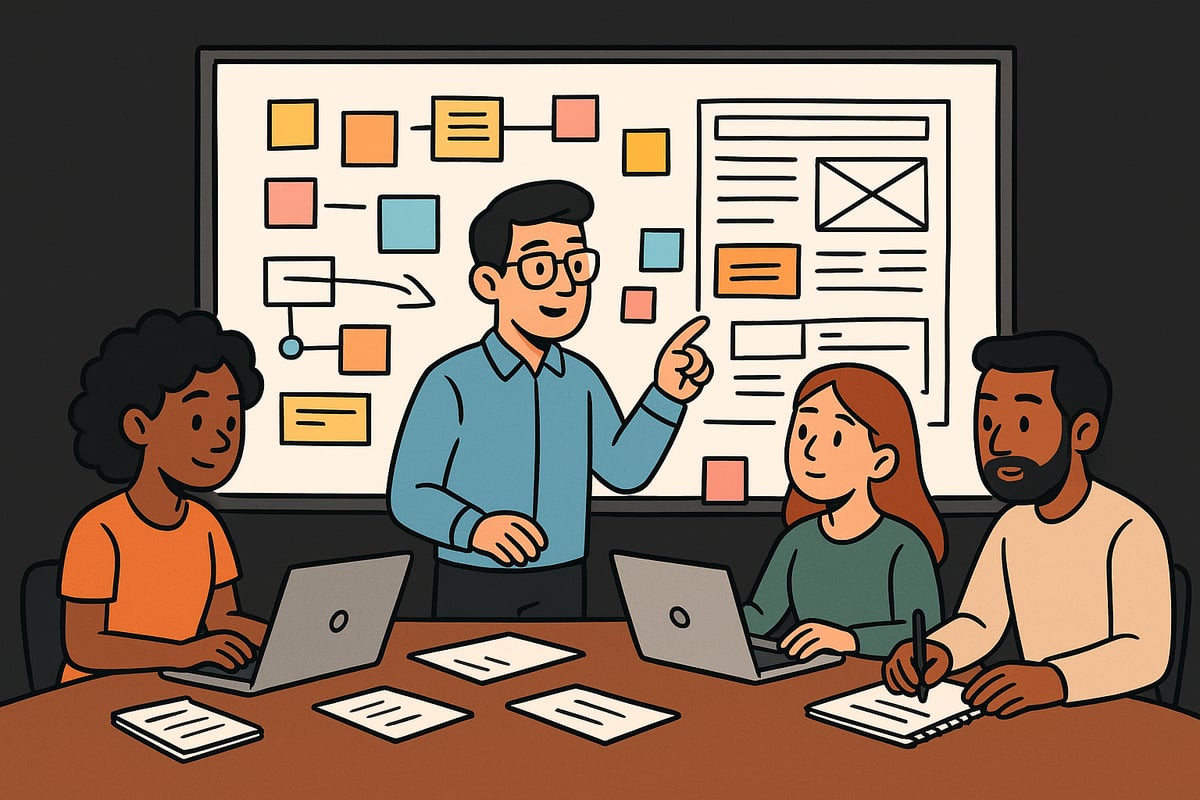
Before you make the web your own, thoughtful planning is essential. Laying the groundwork ensures the process is smooth, your site meets user needs, and you avoid costly missteps later. Whether you are building a site for business, a portfolio, or a blog, starting with a clear plan is the key to long-term success.
Defining Your Website’s Purpose and Audience
Every successful website starts with a clear purpose. Do you want to inform, sell, showcase your work, or engage a community? Identifying your main objective is the first step to make the web work for you.
Once you know your goal, focus on your target audience. Who are they? What problems are they trying to solve? For example, a local bakery’s site should appeal to nearby customers seeking fresh products, while a freelance designer’s site targets potential clients interested in creative portfolios.
To understand your audience:
- Create user personas
- Research competitors
- Gather feedback from real users
A well-defined purpose and audience guide every decision, from design to content. If you need detailed guidance for these early steps, consider the Getting started with web creation resource for beginners.
Creating a Content Strategy
With your purpose and audience in mind, it is time to plan your content. A content-first approach will help you make the web experience more cohesive and effective.
Start by mapping out the essential pages you will need, such as Home, About, Services, Blog, and Contact. For each page, define its primary goal and the key messages you want to convey. If you plan to run a blog, create a content calendar outlining topics, posting frequency, and seasonal trends.
Consider these steps for a robust strategy:
- List all core pages and their objectives
- Brainstorm content ideas relevant to your audience
- Schedule regular updates and new content releases
By planning content before design, you streamline the process and ensure consistency throughout your site.
Choosing a Domain Name and Hosting Provider
Selecting a domain name is a crucial part of your make the web journey. Choose something memorable, relevant to your brand, and easy to spell. Consider local relevance as well, such as .co.uk for UK-focused sites or .com for wider audiences.
When it comes to hosting, you will encounter several options:
- Shared hosting (affordable, suitable for small sites)
- VPS (more resources, greater control)
- Managed hosting (hands-off, ideal for beginners)
- Cloud hosting (scalable, robust performance)
Think about your site’s expected traffic and technical needs. For example, a small blog may thrive on shared hosting, while an e-commerce store may require managed or cloud solutions. Remember, 46% of users judge credibility by the domain name, so choose wisely.
Setting a Realistic Timeline and Budget
One of the most overlooked parts of the process is budgeting both time and money as you make the web. Break your project into phases: planning, design, development, and launch.
Estimate how long each stage will take. DIY projects may save money but often require more time, while hiring professionals speeds up the process but increases costs. Common expenses include:
- Domain registration
- Hosting fees
- Design and development tools
- Professional services (if needed)
Be honest about your skills and availability. Many beginners underestimate time investment, leading to delays or missed launches. A clear timeline and budget help you manage resources and reduce stress.
Step-by-Step: Building Your First Website
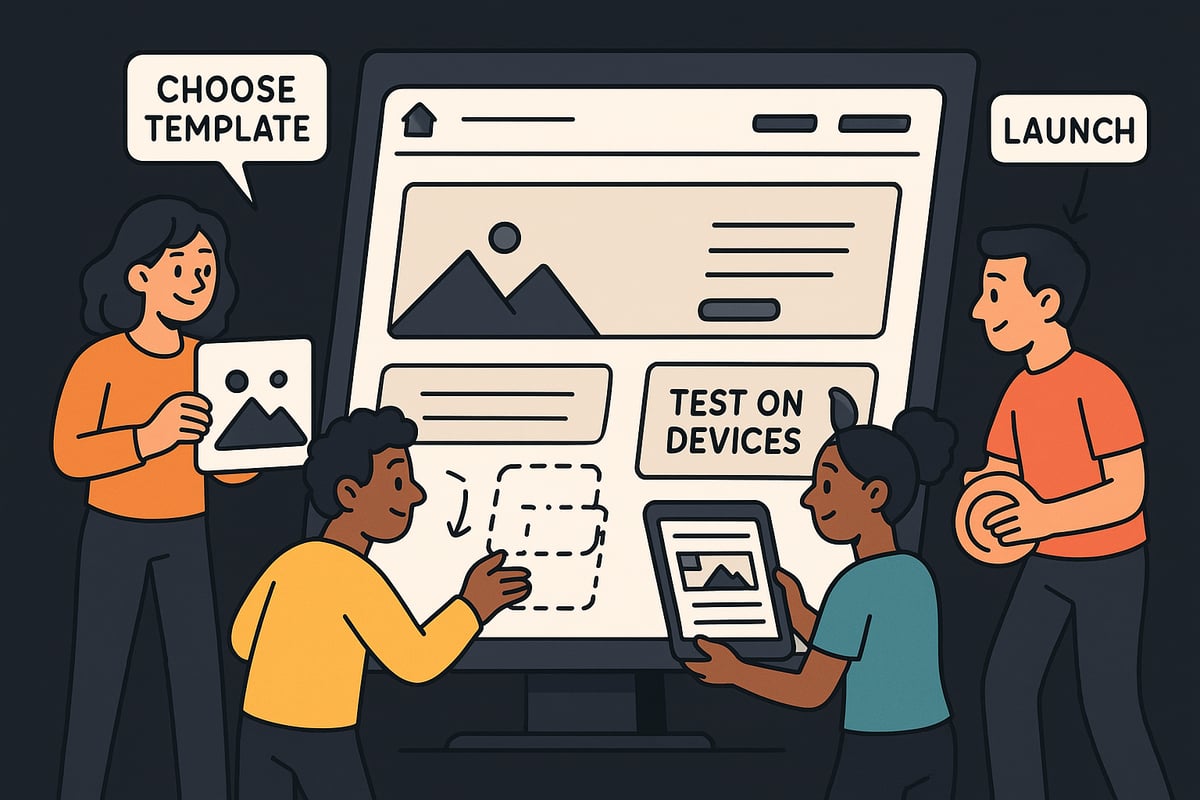
Building your first website is an exciting milestone. By following a clear, step-by-step process, you can confidently make the web work for you, whether you want to share your passion, promote a business, or build your digital presence.
Step 1: Choosing the Right Website Platform
The first step to make the web your own is selecting the right platform. Your choice will shape the site’s flexibility, speed of setup, and long-term management.
Website builders like Wix and Squarespace are popular for beginners. They offer drag-and-drop interfaces, hosting, and support, making them ideal for those who want to launch quickly without coding. Content Management Systems (CMS) such as WordPress provide more control and scalability. WordPress powers 43% of all websites globally, highlighting its popularity and flexibility for users who want to make the web suit their vision.
For those comfortable with coding, building from scratch using HTML, CSS, and JavaScript offers complete freedom, but requires more technical skill. Consider this comparison:
| Platform Type | Pros | Cons |
|---|---|---|
| Website Builder | Easy, fast, no coding | Less flexible, monthly fees |
| CMS (WordPress) | Customisable, huge community | Steeper learning curve |
| Custom Code | Total control, unique design | Time-consuming, technical knowledge |
Think about your goals, budget, and time commitment. Making the right choice at this stage sets you up to make the web a place where your ideas thrive.
Step 2: Designing Your Website
With your platform chosen, design is the next step. Most platforms offer templates or themes to jumpstart your site. These pre-built designs can be customised with your brand colours, fonts, and imagery. For those wanting a unique look, custom design is possible, but may require more time or expert help.
Focus on core design principles to make the web welcoming and effective:
- Readability: Use clear fonts and sufficient contrast.
- Whitespace: Let your content breathe.
- Mobile responsiveness: Over 60% of traffic now comes from mobile devices, so your site must look great on all screens.
Consistent branding is key for recognition. Align colours, logos, and messaging across all pages. For more on the essentials of effective design and development, see the Website design and development essentials guide.
Remember, a well-designed site makes the web experience enjoyable for every visitor.
Step 3: Adding Content and Media
Now it is time to populate your website with content. Begin with clear, concise text that speaks directly to your audience. Use headings and bullet points to break up information, making the web easier to navigate.
Images and video add visual appeal and help explain your message. Choose high-quality, royalty-free images from sites like Unsplash or Pexels. Studies show that pages with images receive 94% more views than those without, so do not underestimate their impact.
Keep media optimised for fast loading. Compress images and use modern formats. Engaging, relevant content helps you make the web a space where visitors stay longer and return often.
Step 4: Setting Up Essential Features
Your website needs more than just text and images. Add contact forms so visitors can reach you easily. Integrate social media links to grow your presence beyond your site. If you plan to blog, set up a blog section to share updates or insights.
Legal pages are crucial. Include a privacy policy, terms and conditions, and cookie consent banners, especially if you operate in the UK or EU. GDPR compliance is not optional. These features build trust and credibility, helping you make the web a safe and reliable resource for your audience.
Step 5: Testing and Quality Assurance
Before you launch, thorough testing ensures your site works flawlessly. Check how your website looks and functions on different browsers and devices. Test all links, forms, and buttons for proper operation.
Use tools like Google Lighthouse and GTmetrix to analyse loading speed and performance. Did you know that 53% of mobile users abandon sites that take more than three seconds to load? Optimising speed is essential if you want to make the web a welcoming place for everyone.
Document your findings in a checklist, fixing any issues before moving forward.
Step 6: Launching Your Website
With everything tested and ready, you are set to launch. Review your pre-launch checklist: double-check content, contact details, and legal pages. Decide between a soft launch (sharing with a small group for feedback) or a hard launch (public announcement).
Announce your new site through email, social media, and local press. Early feedback from real users can reveal areas for improvement, ensuring your efforts to make the web are rewarded with a successful, engaging site.
Essential Web Design and Usability Principles
Creating a website is about more than just making it look good. To truly make the web work for you, it is crucial to focus on design and usability principles that keep visitors engaged and encourage action. Let’s break down the essentials every beginner should know.
User Experience (UX) Fundamentals
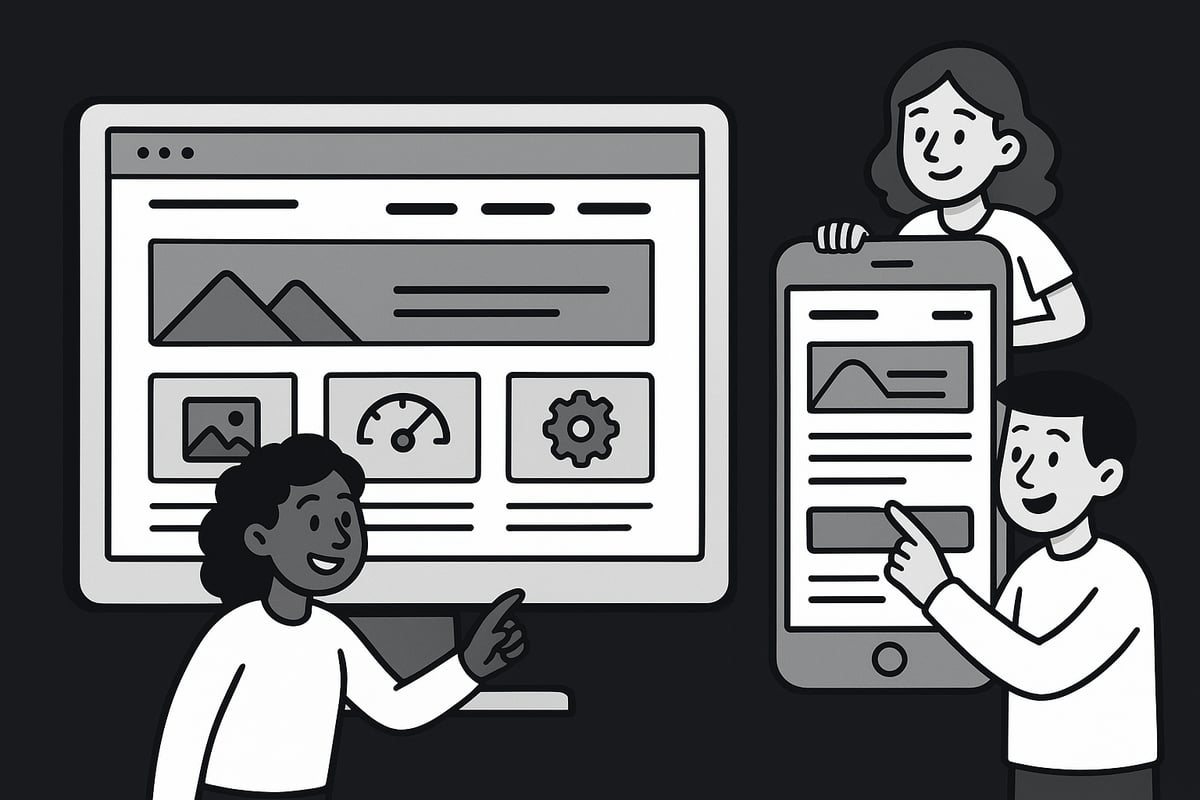
User experience is at the heart of effective web design. Intuitive navigation and clear calls-to-action help users find what they need quickly. When you make the web easy to explore, visitors are more likely to stay and interact.
Consider the F-shaped reading pattern, where users scan pages in an F-like shape. Place important content along the top and left side to match this behaviour. This makes information easier to digest.
Good UX is proven to increase engagement and retention. In fact, sites with better UX see higher conversion rates. For more insights on how design impacts performance, see these Web Design and Conversion Rates. Always prioritise your audience’s needs when you make the web your own.
Visual Design Best Practices
Visual consistency builds trust and recognisability. Stick to a defined colour palette, use readable fonts, and choose imagery that matches your brand. When you make the web visually appealing, users are more likely to remember your site.
Accessibility matters too. Use high-contrast colours for text, add descriptive alt text to images, and pick fonts that are easy to read. Did you know 70% of sites fail basic accessibility checks? Addressing these basics opens your site to a wider audience.
Keep layouts uncluttered. Whitespace helps users focus on what matters. By applying these principles as you make the web, you ensure everyone can enjoy your content.
Mobile Responsiveness and Speed
With most traffic coming from mobile devices, your site must look and work great everywhere. Responsive frameworks like Bootstrap allow you to make the web flexible for any screen size.
Speed is equally important. Compress images, limit heavy scripts, and test loading times. Google’s mobile-first indexing means your mobile performance affects search rankings.
A slow, unresponsive site turns visitors away. When you make the web fast and accessible, you build trust and improve your reach. Always test on multiple devices before launch.
SEO Basics for Beginners
To make the web work in your favour, you need to help people find your site. On-page SEO starts with strong page titles, clear meta descriptions, and well-structured headings.
Use relevant keywords in your content, but keep it natural. Tools like Google Keyword Planner help you discover what your audience is searching for. Remember, 68% of online experiences begin with a search engine.
Optimise images with descriptive filenames and alt text. By following these SEO basics as you make the web, you set your site up for long-term visibility and growth.
Keeping Your Website Secure, Legal, and Up-to-Date
Building and maintaining your presence as you make the web your own requires ongoing attention to security, compliance, and performance. Protecting your site and visitors is essential for trust and growth. Let us explore the fundamentals every beginner should know.
Website Security Essentials
To make the web a safer place, you must prioritise security from the start. Always use HTTPS by installing an SSL certificate, which encrypts data between your site and visitors. Regular updates to your platform, plugins, and themes help close vulnerabilities.
Back up your website frequently so you can recover quickly if something goes wrong. Stay alert for common threats like malware, phishing, and brute force attacks. Did you know 30,000 websites are hacked every day? Even beginners can protect themselves by following best practices:
- Choose strong, unique passwords for all accounts.
- Limit login attempts and use two-factor authentication.
- Keep all software up to date.
- Use reputable security plugins and scan for malware regularly.
Prioritising these basics will help you make the web a safer space for everyone.
Privacy, Compliance, and Legal Requirements
When you make the web a part of your business, legal compliance is not optional. If you collect any user data, you must follow regulations like GDPR in the UK and EU. This means providing a clear privacy policy, explaining how you use cookies, and obtaining user consent.
Non-compliance can result in hefty fines or reputational damage. Key steps include:
- Publish a privacy policy and terms of use.
- Implement cookie consent banners.
- Secure sensitive user data.
- Review local laws for specific requirements.
A simple table below summarises core compliance elements:
| Requirement | What to Do |
|---|---|
| Privacy Policy | Publish and keep updated |
| Cookie Consent | Request and log user consent |
| Data Protection | Encrypt and secure data |
By making the web compliant, you build trust and avoid costly penalties.
Ongoing Maintenance and Updates
To successfully make the web work for you, continuous maintenance is crucial. Update your website’s content and plugins regularly to keep things fresh and secure. Neglecting updates can lead to vulnerabilities and even hurt your SEO.
Monitor your site’s uptime and fix issues promptly. A simple maintenance checklist includes:
- Check for software updates weekly.
- Test forms and key features monthly.
- Refresh content and images regularly.
- Review security settings and backups.
Consistent upkeep helps you make the web a reliable resource for your audience.
Analytics and Performance Tracking
Understanding how people interact as you make the web your platform is vital for improvement. Set up tools like Google Analytics and Search Console to monitor traffic, bounce rates, and session durations.
Track conversions to see what works and what needs attention. Use data to inform decisions about content, design, and marketing. Key metrics to watch include:
- Bounce rate
- Average session duration
- Conversion rate
- Top-performing pages
Regularly analysing this data ensures you make the web more effective and responsive to your audience’s needs.
Growing and Evolving Your Web Presence in 2025
The digital world is in constant motion. To make the web work for you in 2025, you must focus on growth and adaptability. Whether you are building your first site or refining a digital brand, evolving your presence is essential for lasting impact.
Building an Audience and Community
Growing an audience is at the heart of any successful effort to make the web your own. Start by sharing valuable content through a blog, which can establish your expertise and attract search traffic. Email marketing remains a powerful tool, with an average ROI of £36 for every £1 spent according to DMA UK. Social media platforms, especially Instagram and TikTok, are ideal for connecting with younger demographics and showcasing brand personality.
To foster community, engage directly with your audience. Respond to comments, encourage user-generated content, and create interactive features like polls or Q&A sessions. This approach builds trust and encourages repeat visits.
If your goal is to make the web a space where your community feels valued, consistency is key. Regular updates, authentic interactions, and a clear brand voice all contribute to sustainable growth.
SEO and Content Marketing for Growth
To make the web work for your goals, focus on search engine optimisation and content marketing. Begin with keyword research. Tools like Google Keyword Planner help you identify phrases your audience is searching for. Use these keywords in your page titles, meta descriptions, and headings to increase visibility.
Content marketing is about creating valuable, relevant material. Blogging regularly is a proven strategy. For example, small businesses have seen traffic increase by 200 percent just through consistent, keyword-driven articles. Link building, such as collaborating with industry blogs, further boosts authority.
A simple table to track your SEO essentials:
| SEO Element | Best Practice |
|---|---|
| Title Tags | Use primary keyword, under 60 chars |
| Meta Description | Compelling summary, under 155 chars |
| Headings | Use H1-H3, include keywords |
| Image Alt Text | Describe images, use keywords |
Keep reviewing analytics to refine your approach. The more you invest in these tactics, the easier it becomes to make the web drive results for your site.
Leveraging E-commerce and Monetisation Options
Adding e-commerce to your website is a significant way to make the web a source of revenue. Platforms like WooCommerce or Shopify let you quickly set up an online shop, whether you are selling digital products or physical goods. Secure payment gateways and SSL certificates ensure customer trust.
Consider the differences between selling digital versus physical products. Digital items often require less overhead and can be delivered instantly, whereas physical goods need inventory management and shipping solutions. For practical inspiration, the Muse eCommerce case study demonstrates how a real business successfully scaled its online sales through strategic web development.
Diversify your income streams with options like memberships, online courses, or affiliate marketing. Each approach helps you make the web work more effectively for your business goals.
Embracing New Technologies: AI, Automation, and Beyond
The future of making the web your own involves embracing new technologies. Artificial intelligence is transforming everything from content creation to personalised user experiences. AI-powered website builders allow even beginners to launch professional sites quickly.
Automation tools can handle routine tasks, freeing you to focus on strategy and creativity. For example, chatbots can provide instant customer support, while analytics platforms powered by AI deliver actionable insights. To understand the impact of these trends, explore AI in Web Design for the latest statistics and applications.
Staying updated with emerging trends ensures you are ready to make the web a dynamic, future-proof platform. Experiment with new tools, but always prioritise usability and your audience’s needs.