Online Site Design Guide for Beginners (2025)
In 2025, standing out online means more than just being present. A strong online site design is now the foundation for anyone serious about building their digital footprint and making a memorable first impression.
For many beginners, starting a website can feel daunting. Questions about where to begin, which tools to use, and how to make your site look professional are common. Yet, mastering online site design opens doors to credibility, wider reach, and real growth opportunities.
This guide will walk you through every step, from initial planning and choosing the right platform, to core design principles, content creation, launching your site, and ongoing improvement. No matter your technical background, you will gain the confidence and knowledge to launch your first site with clarity and purpose.
Understanding the Basics of Online Site Design
Building a strong foundation in online site design is the first step for anyone looking to make an impact online. Whether you want to launch a portfolio, a business, or a blog, understanding the basics will empower you to create a site that stands out and delivers results.
What is Online Site Design?
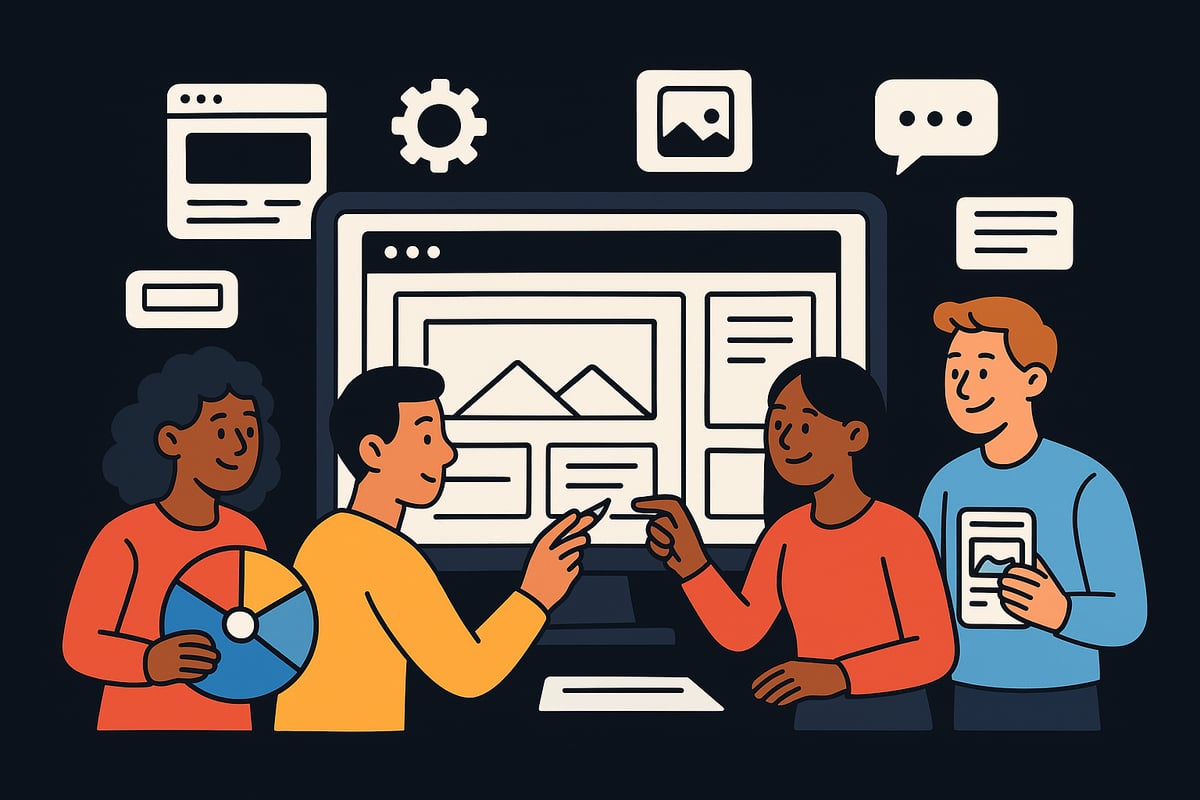
Online site design refers to the process of planning and creating the visual layout, structure, and user experience of a website. It covers everything from page layouts and colour schemes to navigation menus and interactive features.
This discipline is often confused with web development. While online site design focuses on how a site looks and feels, web development deals with the coding and technical functionality behind the scenes.
There are many types of websites that benefit from thoughtful online site design, including:
- Portfolio sites showcasing creative work
- E-commerce shops selling products or services
- Personal blogs sharing stories or expertise
- Business websites providing information and contact details
By mastering online site design, you lay the groundwork for a website that is both attractive and effective.
Why Good Design Matters in 2025
In 2025, user expectations are higher than ever. Studies show that 94% of first impressions are design-related, making online site design a crucial factor in how your site is perceived. Users expect fast, intuitive, and visually appealing experiences on every device.
Mobile-first design is now the standard, as most web traffic comes from smartphones and tablets. Accessibility is equally important, ensuring your site can be used by everyone, regardless of ability.
A well-executed online site design builds trust, encourages visitors to engage, and increases the likelihood of achieving your goals, whether that is making sales, gathering leads, or growing your audience.
Essential Elements of a Modern Website
A successful online site design incorporates several key components to meet the demands of today’s users:
- Responsive layouts: Your site must look and function well on mobiles, tablets, and desktops.
- Fast load times: Over half of users will leave if a site takes longer than three seconds to load.
- Clear navigation: Menus and links should be easy to find and use, guiding visitors smoothly through your content.
- Visual hierarchy: Use size, colour, and spacing to direct attention and make information easy to scan.
- Brand consistency: Colours, fonts, and imagery should align with your brand identity across all pages.
Balancing these elements ensures your online site design feels cohesive and professional.
Common Mistakes Beginners Make
Many first-time creators struggle with online site design due to avoidable errors. Common pitfalls include:
- Overcomplicating layouts, making pages crowded or confusing
- Neglecting mobile optimisation, resulting in poor experiences on smaller screens
- Choosing colour combinations that clash or reduce readability
- Ignoring accessibility, making the site difficult for some users to navigate
- Overlooking basic SEO principles, which can limit visibility
For example, a portfolio site with tiny text and no mobile support often frustrates visitors, while a business site lacking clear calls to action can miss opportunities to convert leads.
Learning from these mistakes helps you avoid them in your own online site design.
Key Trends in 2025
Online site design in 2025 is shaped by several exciting trends:
- AI-powered personalisation for unique user experiences
- Micro-interactions that bring subtle animations to life
- Clean, minimal layouts with ample white space
- Popularity of dark mode options
For a deeper look into these trends and how to implement them, see the Design Strategy Guide for 2025.
Planning Your Website: Goals, Audience, and Structure
Launching a website begins with a solid plan. Effective online site design starts by clarifying what you want to achieve and who you want to reach. A clear roadmap ensures your site not only looks professional but also meets your goals. Let us explore the crucial steps for planning your online presence.
Setting Clear Objectives
Every successful online site design project begins with setting clear objectives. Ask yourself: What is the main purpose of your website? Are you aiming to inform, sell products, showcase a portfolio, or generate leads? By defining your site's purpose, you lay the foundation for every future decision.
SMART goals—Specific, Measurable, Achievable, Relevant, and Time-bound—are essential for tracking progress. For example, a portfolio site might aim to attract five new client enquiries per month, while an e-commerce site could target a 10% increase in sales in six months. If you are unsure where to start, Getting Started with Site Design offers practical steps for beginners planning their first site.
Identifying Your Target Audience
Understanding your audience is at the heart of effective online site design. Consider demographics such as age, location, and profession, alongside their digital habits and needs. This insight shapes both your content and your design choices.
Creating user personas—a detailed profile representing your ideal visitor—can guide your decisions. For instance, if you are building a fitness blog for millennials, focus on mobile-friendly layouts, vibrant visuals, and social sharing features. Tailoring your site to match your audience ensures stronger engagement and satisfaction.
Mapping Out Content and Features
A well-organised online site design relies on mapping out key content and features. Start by listing essential pages: Home, About, Services or Products, Contact, and perhaps a Blog or Shop. Next, think about interactive elements that support your goals, such as contact forms, chat support, galleries, or testimonials.
Consider this simple feature checklist for a small business site:
- Contact form
- Service descriptions
- Testimonials
- Photo gallery
- Social media links
By outlining your content and features early, you ensure nothing essential is overlooked during development.
Creating a Site Map and Wireframes
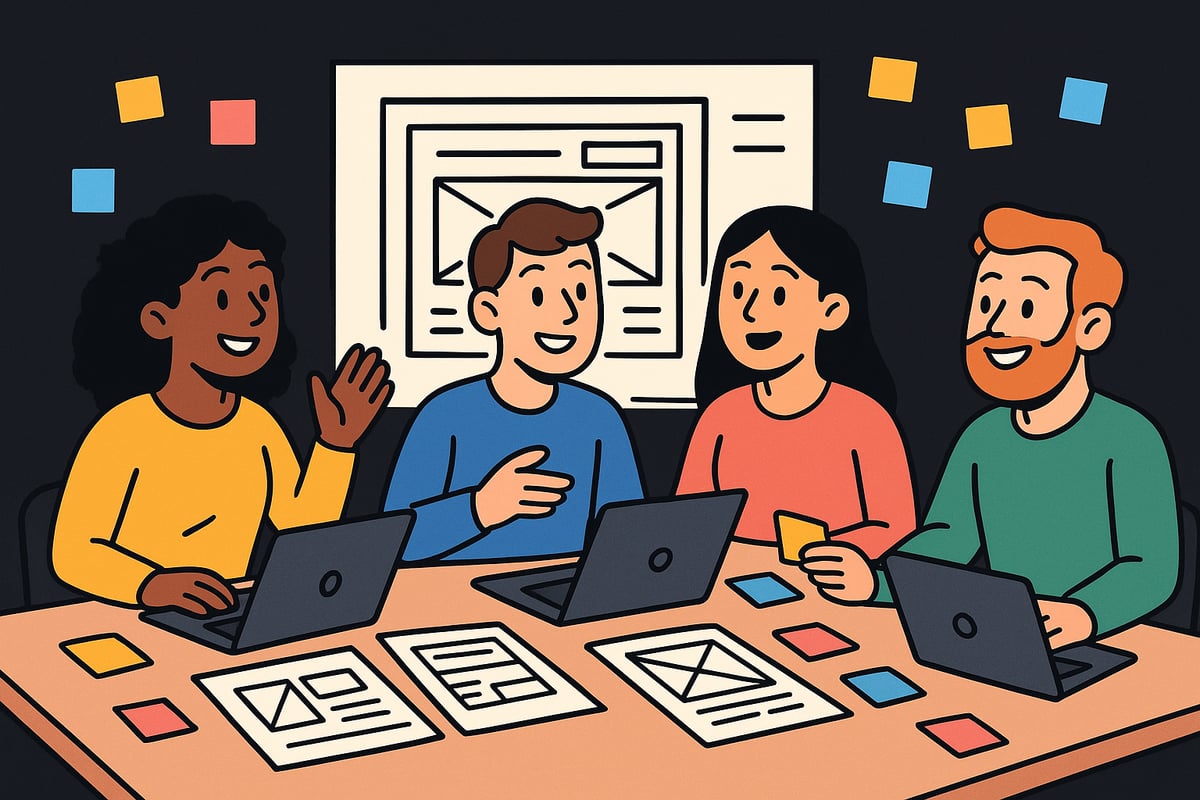
Visualising your site's structure is a vital step in online site design. A site map is a diagram that shows how your pages connect, helping you plan logical navigation. Wireframes are basic sketches or digital layouts that illustrate where content and features will appear on each page.
You can start with pen and paper, or use tools like Figma and Adobe XD for more detailed wireframes. This process prevents navigation problems and streamlines your design, making it easier for visitors to find what they need.
Budgeting and Resource Planning
Careful budgeting is key to a successful online site design project. Estimate costs for your domain name, hosting, design tools, and any professional help you may require. Consider the time investment for DIY versus hiring experts.
Below is a quick comparison of free and paid resources:
| Category | Free Options | Paid Options |
|---|---|---|
| Design Tools | Canva, Figma | Adobe Creative Cloud |
| Stock Images | Unsplash, Pexels | Shutterstock, Getty Images |
| Hosting | Limited Free Tiers | Premium Hosting |
Weigh your choices based on your site's needs and your available resources. Planning ahead keeps your project on track and within budget.
Choosing the Right Website Platform and Tools
Selecting the right foundation is crucial for successful online site design. With so many options available, making an informed choice can set you up for long-term growth and flexibility.
Overview of Popular Platforms
When starting with online site design, choosing the right platform is your first major decision. The most popular website builders today are WordPress, Wix, Squarespace, Shopify, and Webflow. Each offers unique benefits for beginners and growing businesses alike.
| Platform | Ease of Use | Flexibility | Scalability | Market Share (%) |
|---|---|---|---|---|
| WordPress | Moderate | High | High | 43 |
| Wix | Easy | Medium | Medium | 8 |
| Squarespace | Easy | Medium | Medium | 3 |
| Shopify | Easy | Medium | High | 4 |
| Webflow | Moderate | High | High | 1 |
WordPress powers over 40 percent of all websites, making it a safe and robust choice. Wix and Squarespace are favoured for their drag-and-drop simplicity, while Shopify excels in e-commerce. Webflow is ideal for those seeking advanced online site design capabilities without deep coding knowledge.
Platform Selection Criteria for Beginners
Your online site design journey should begin with clear criteria for platform selection. Start by assessing your budget and technical skills. Wix and Squarespace are user-friendly, requiring no coding, which is perfect for design novices.
Think about future growth. If you plan to scale or add complex features later, WordPress or Webflow might be better suited. SEO capabilities are also essential, as they impact your site's visibility. Ensure your platform supports custom meta tags, sitemaps, and integrates with analytics tools.
Support and integrations can also influence your decision. For example, Wix is an excellent choice for a simple portfolio, offering built-in templates and straightforward setup. Carefully matching your needs with a platform’s strengths ensures a smoother online site design process.
Essential Design Tools and Resources
Having the right tools is vital for effective online site design. Graphic design platforms like Canva and Adobe Express make it easy to create logos, banners, and social posts even if you lack design experience. Figma is ideal for collaborative prototyping and wireframing.
For high-quality visuals, Unsplash and Pexels provide free stock images, while icon sets and colour palette generators help you maintain a consistent look. Consider this essential toolkit:
- Graphic Design: Canva, Adobe Express, Figma
- Stock Images: Unsplash, Pexels
- Icons & Palettes: Font Awesome, Coolors
Using these resources, you can build a visually appealing and cohesive online site design without needing a professional designer.
Domain, Hosting, and Security Basics
A professional online site design starts with the right domain name. Choose something memorable, brandable, and relevant to your niche. Incorporating keywords can also help with SEO.
Next, decide on your hosting. Shared hosting is affordable and suitable for most beginners, while VPS and managed hosting offer more power and support for larger sites. Security is non-negotiable: ensure your hosting includes SSL certificates and follow best practices like using strong passwords and regular backups.
By covering these technical basics, you create a solid, secure foundation for your online site design, reducing risks and ensuring reliability for your visitors.
Website Design & Growth Support from Harley Oliver
If you want expert guidance for your online site design, Harley Oliver offers award-winning website design and development services tailored to all experience levels. With over 20 years of experience, their team specialises in transforming brands, building high-converting sites, and providing ongoing digital growth support.
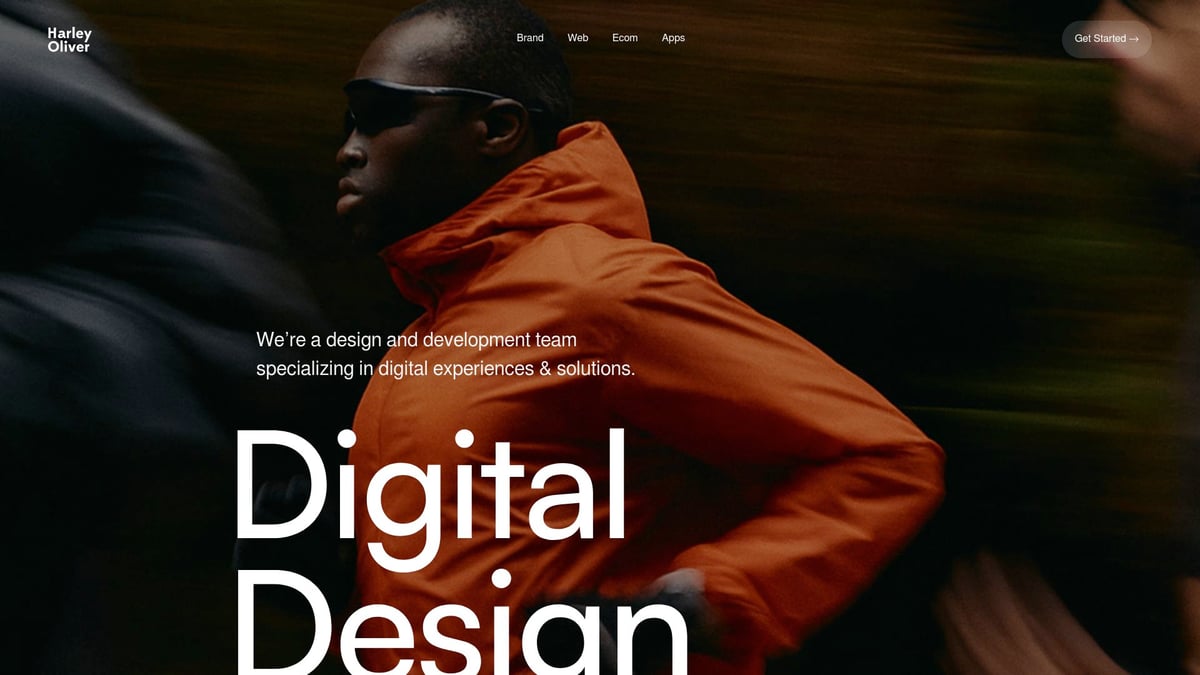
Services include brand strategy, custom builds, AI integration, and more. Recognised by Awwwards and Webby Awards, Harley Oliver is ideal for startups and established businesses seeking professional results and scalable online site design. To learn more, explore their Website Design & Development Services.
Designing Your Website: Step-by-Step Process
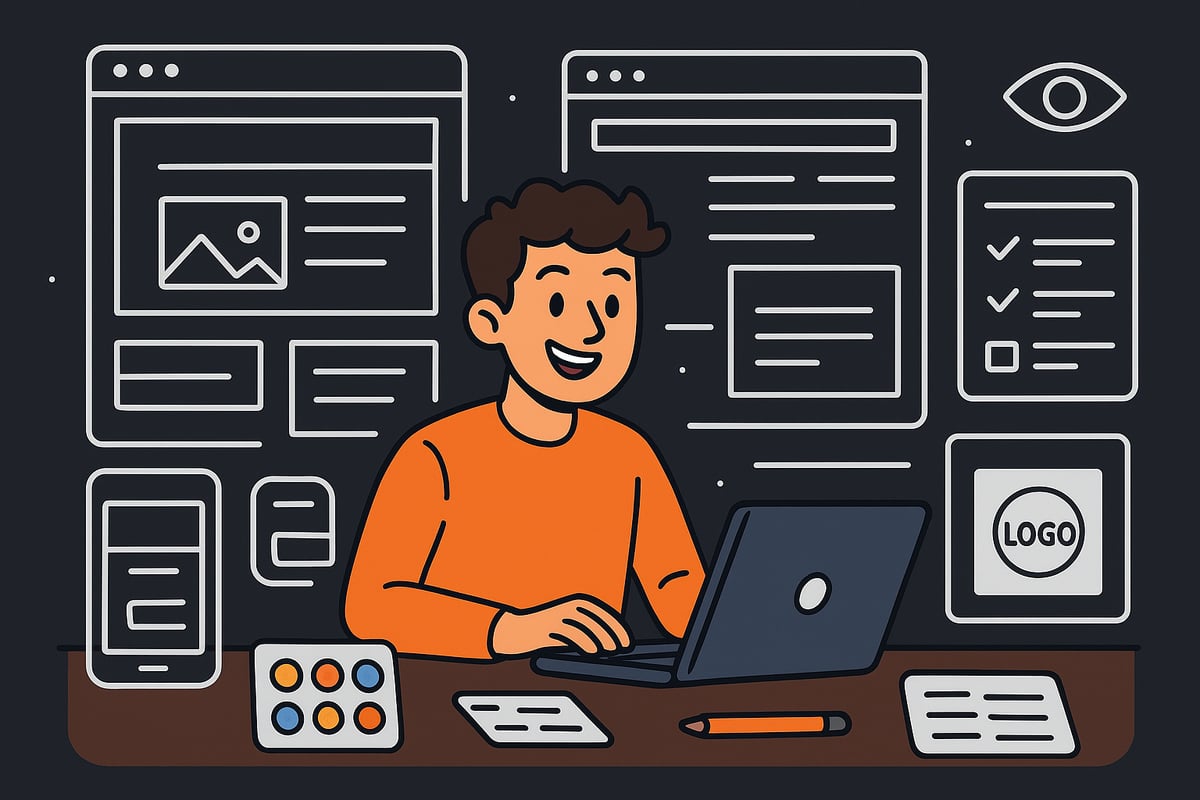
Embarking on your first online site design project may seem daunting. By breaking the process into clear, manageable steps, you’ll gain both confidence and clarity. Every stage is vital, from initial template selection to the final launch checklist. Let’s walk through each part of the journey, ensuring your site stands out in 2025.
Step 1: Choosing a Template or Starting from Scratch
The first decision in online site design is whether to use a template or start from scratch. Templates offer a quick, cost-effective solution with built-in layouts and styles. They are ideal for beginners who want professional results without deep coding knowledge.
| Option | Pros | Cons |
|---|---|---|
| Template | Fast, affordable, easy | Less unique, limited custom |
| Custom Design | Fully unique, flexible | Time-consuming, costly |
If you crave uniqueness or have specific brand needs, custom design may be for you. For most, starting with a quality template from your platform’s marketplace and customising it is a practical approach to online site design.
Step 2: Branding and Visual Identity
A cohesive visual identity sets your site apart. Begin by designing a simple, memorable logo that reflects your purpose. Select a colour scheme and stick to two or three main colours for consistency. Typography also matters, so choose legible, web-safe fonts.
Consistency is key in online site design. Use the same logo, colours, and fonts across all pages. Tools like Canva and Looka make it easy for beginners to experiment with branding elements. Remember, a polished look builds credibility and trust.
Step 3: Layout and Navigation Design
Effective navigation is the backbone of online site design. Start with a logical menu that helps users find information quickly. Consider patterns like the F-pattern or Z-pattern for placing content where eyes naturally travel.
A simple navigation bar might look like this:
Home | About | Services | Blog | Contact
Keep menus uncluttered, and use dropdowns only when needed. Clear layout and navigation enhance usability, making visitors more likely to stay and explore your site.
Step 4: Adding Content and Media
Content is at the heart of every successful online site design. Write clear, compelling headlines and calls to action that guide users. Break text into short paragraphs and use bullet points for easy scanning.
Optimise images by resizing for fast loading and adding descriptive alt text for accessibility. Consider embedding videos or slideshows to make your pages more engaging. High-quality content and media keep visitors interested and support your site’s goals.
Step 5: Optimising for Mobile and Accessibility
Modern online site design must work seamlessly on all devices. Use responsive templates and test layouts on mobiles and tablets to ensure nothing breaks. Accessibility is equally important. Follow WCAG 2.2 standards so everyone, including those with disabilities, can use your site.
For a deeper dive into best practices, see this guide to Web Accessibility Standards 2025. Tools like Google’s Mobile-Friendly Test and the Wave Accessibility Tool help you spot and fix issues before launch.
Step 6: Integrating Essential Features
Enhance your online site design with features that improve user experience. Essential additions include contact forms, maps, social media links, and live chat for instant support. If you’re building an e-commerce site, set up product listings, a secure cart, and payment gateways.
For service businesses, adding a booking system or testimonials can boost credibility. Choose features that align with your goals and audience needs. Integrating these elements helps convert visitors into customers.
Step 7: Testing and Refining Your Design
Testing is vital to ensure your online site design performs well everywhere. Check your site on different browsers (Chrome, Firefox, Safari) and devices. Gather feedback from friends or early users to spot confusing sections.
Use A/B testing to compare different headlines or layouts. Even small changes can lead to better engagement and conversions. Continuous refinement keeps your site fresh and user-friendly, supporting long-term success.
Step 8: Preparing for Launch
Before you launch, run through a final checklist for your online site design. Verify on-page SEO, set up Google Analytics 4 for tracking, and confirm your site is secure with SSL. Back up your files to prevent data loss.
Announce your launch through email, social media, and press releases to attract your first visitors. A well-prepared launch sets the stage for growth and ensures your site makes a strong first impression.
Content Creation and SEO Fundamentals for Beginners
Creating high quality content and mastering SEO is essential for anyone starting with online site design. Well written content builds trust, improves visibility, and helps you connect with your target audience. Understanding the basics ensures your site is discoverable and engaging from launch.
Writing for the Web: Best Practices
When starting online site design, write with your audience in mind. Break text into short paragraphs and use clear headings. Bullet points help readers scan for key information quickly.
- Use a tone that matches your brand.
- Keep sentences concise.
- Highlight calls to action.
For example, a service page should focus on benefits and solutions, while a blog post might tell a story or share tips. Always consider what your readers need and how your content can help them take action.
Introduction to SEO for New Sites
SEO is vital for online site design because it helps your site appear in search engine results. Start with keyword research using tools like Google Keyword Planner. Identify terms your audience is searching for, then use them naturally in your content.
Optimise each page with meta titles, headings, and image alt text. Unique, valuable content stands out to both users and search engines. Staying current with trends like Progressive Web Apps in 2025 can also improve engagement and SEO performance.
Building Authority and Trust
Trust is a cornerstone of successful online site design. Add testimonials, case studies, or certifications to showcase your credibility. Make sure your contact details and policies are easy to find.
For freelancers, displaying client feedback or completed projects builds confidence. Transparency and clear communication are key. For further insights, review the Digital Branding Solutions Overview to see how strong branding can enhance site authority.
Content Planning and Updates
Consistent updates are crucial for online site design success. Use an editorial calendar to plan blog posts, service updates, or new products. Repurpose existing content into newsletters or social media posts for greater reach.
Regularly updated content keeps your audience engaged and signals to search engines that your site is active. This approach can lead to higher rankings and more traffic over time.
Maintaining and Improving Your Website Over Time
Maintaining your online site design is a continuous journey, not a one-off task. Regular attention ensures your website remains effective, secure, and aligned with evolving user expectations. Let us explore essential strategies to keep your site performing at its best.
Monitoring Performance and Analytics
Tracking your online site design's performance is crucial for growth. Focus on key metrics such as visitor numbers, bounce rates, and conversions. Tools like Google Analytics and Hotjar make it easy to spot trends and identify areas for improvement.
Regularly reviewing these insights allows you to make informed decisions, ensuring your site meets user needs.
Regular Updates and Security
Keeping your website software and plugins up to date is vital for online site design security. Schedule regular backups and run security checks to protect against vulnerabilities.
For WordPress users, always test updates on a staging site first. Prioritise strong passwords and SSL certificates to maintain trust and safeguard your data.
User Feedback and Continuous Improvement
Listening to your users is essential for refining your online site design. Use surveys, feedback forms, or direct emails to gather insights about their experience.
Act on this feedback to enhance usability, fix pain points, and deliver a smoother journey. Continuous improvement sets your site apart and builds lasting relationships with visitors.
Scaling Your Site as You Grow
As your website evolves, your online site design might need new features such as a blog, shop, or membership area. Upgrading your hosting and adding integrations can support increased traffic and functionality.
Plan for future growth early, so you can scale smoothly and avoid disruptions as your audience expands.
Staying Current with Design Trends
Staying updated with online site design trends keeps your site fresh and engaging. Follow industry blogs and inspiration galleries to discover innovations like AI-driven personalisation and immersive experiences.
Read more about AI-Enhanced Personalization Trends for ideas on how to make your site stand out in 2025.